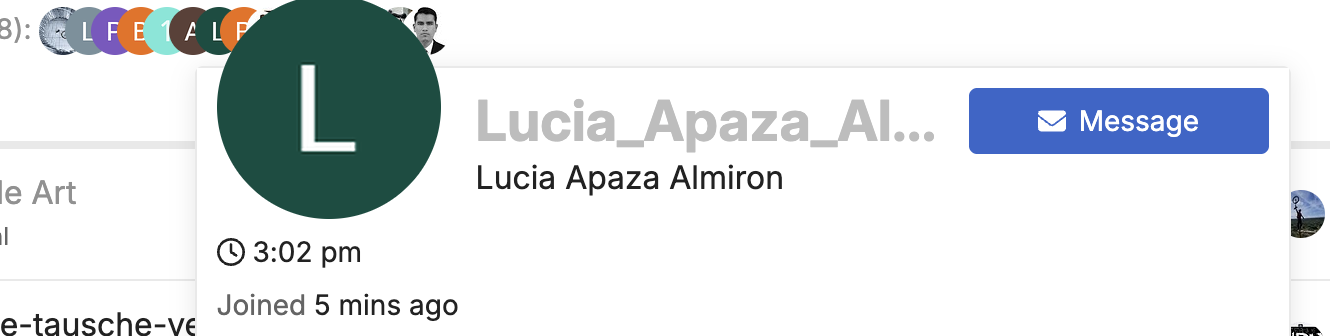
Why is there suddenly an insane increase in new users that don’t seem like they’re genuine users?

2 Likes
Was just about to say the same thing -
Heads up @Canapin
2 Likes
I wonder if it’s connected to the new Discource ID thing?
Good catch @ManiusTerentiusPullus. I reviewed newly created accounts and there have been many new registrations in the last 10-20 days mostly 24h ago max. Probably dormant spam accounts.
I’m not really sure what to do with them if they don’t post.
Perhaps the best I can do is create a script to delete all recent accounts that have not read the forum for more than 1 minute to prevent future vandalism, I guess 
I don’t think it’s caused by the new registration method (I don’t see why it could be), but I’ll disable it for a few hours and see if it changes anything.
The first of those weird account (based on the closeness of their usernames) seems to have been created minutes after I enabled Discourse ID.
This is very weird since their accounts are not associated with any Discourse ID  . They all have been registered using Google auth. I’ll see how it goes now that I have disabled Discourse ID, and investigate further later.
Disabling Discourse ID doesn’t change anything, I’ll try disabling Google auth for the night instead.
1 Like
For a while now I’ve also noticed that users that have been inactive for many years appear on the online list, but they don’t post anything and I never see the the same profile again.
Probably not related, but I thought I should bring it up.
Perhaps old users who received a notification because they were replied to, quoted, mentioned, etc…
Registrations stopped after I disabled Google authentication. I’ll let it be disabled for a few days, and re-enable it later.
1 Like
Safer. I’ve never been convinced that those outside registrations are a good thing, for any forum.
I use third-party auths on many websites I use, including all the forums that provide such features. It makes my life easier 
1 Like
I’ve deleted most of those accounts. They were not all registered with Google Auth by the way.
It’s probably automated, but some of those accounts didn’t use third-party authentication.
I’ll keep Google auth disabled and deactivated Github and X/Twitter auth as described here: Added a new authentification/registration method (Discourse ID) - #2 by Canapin
2 Likes
I have been told that using SSOs may help with security: you only have one master password (+ multi-factor authentication) to connect to most websites. Thus, they are all protected at a similar level and you are not tempted to reuse passwords.
However, that means that a single company knows every site you are logged onto. Plus, if your main account gets hacked, all of your accounts can be vulnerable.
In the end, creating a new account on each website is probably safer and better for your personal data if you use random passwords.
2 Likes
I have too many applications / websites I need to log into. So I use the same long strong password on non-important sites and things like email I use another password that I then change a bit more often. I would get totally confused having to remember 50 passwords
That’s why I use a password manager and create a random password for every account. Less critical accounts are stored in a convenient cloud password safe and critical ones (mostly financial and state related) in local encrypted password database.
3 Likes
And you can use the password manager from any device?
Yep, things like Bitwarden (free) do offer an app for your phone and can replace the keychain on your computer.
1 Like
Yes, at least the cloud manager is supported on my Android and in the Browsers on my Linux devices. There are several choices. Bitwarden as mentioned by @pierrox is a famous choice, as well as 1password or keeper. AFAIK there is also one by Proton. For additional security you can use hardware tokens like Yubikeys as a second factor to log in to them.
and isn’t that getting cumbersome to always have to fish up your passwords from another app, instead of just remembering them?
Some password managers automatically propose passwords through the keyboard when they detect a login form.
I personally use Firefox Lockwise, as it is bundled with my main browser - the one and only Mozilla Firefox 
2 Likes